
The Scratch project uses Japanese text or audio. Use this English guide to get started; the project itself has not been translated.
Bingo cards
Turn Japanese and maths practice into a shared game with these bingo cards.
Let’s play!
How to play and more details

Chicoratch is the name of the Scratch projects created by Chicodori.
Some screenshots show an earlier version.
Use the cards in a pair or group with an adult or someone who can type.
See the examples below for ideas to use in your own activity.
- Japanese: words beginning with あ
- Japanese: words in the same category
- Classroom exploration
- Seasonal words and autumn discoveries
- Japanese counters
- Words written in katakana
- Multiplication facts
- Typing Japanese with romaji
- Word-association games and other group activities
Before the activity, choose eight words belonging to one category.
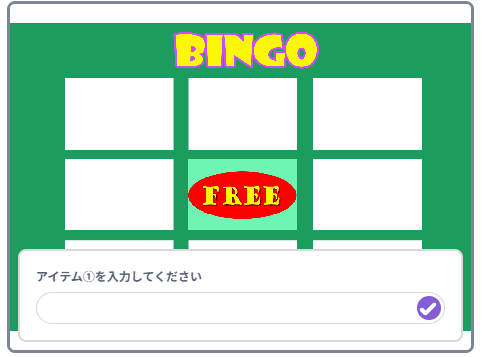
In the bingo screen, select to enter your eight words, one by one.

The project accepts hiragana, katakana and half-width digits (0–9).Do not use kanji or symbols.
A confirmation screen appears after you enter all eight words.
To change a word, click its number and enter it again.
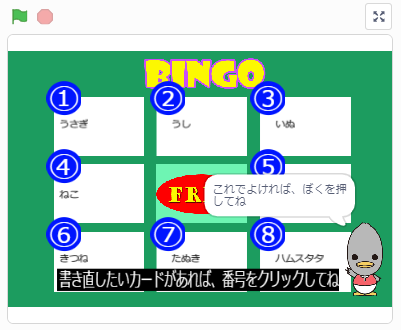
When the words are correct,write down the list for referenceand click the Chicodori bird in the lower-right cornerto cover the bingo cards.
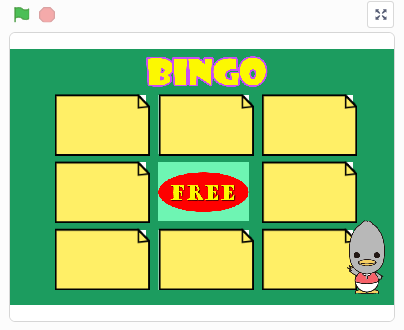
Show the covered cards on a shared screen so everyone can see them.
Ask everyone to suggest words in the chosen category.
Take turns suggesting words. Check your list and uncover a matching card by clicking it.
Sound effects add to the game.
Uncover a whole line to get bingo!
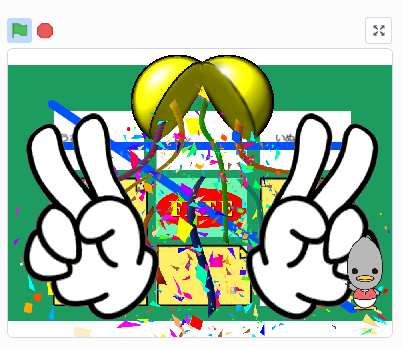
Work together to guess every word and
uncover the whole board.
Only hiragana, katakana and digits are supported; kanji and symbols are not.
Learners practising romaji input can try typing their own bingo words.
Adapt the activity to suit your own group and ideas.
Remixes welcome!
You are welcome to remix this project and make it your own.