
Visual Fractions 3

Explore how numbers work
Type your answer
Remix this projectWhat is this activity?
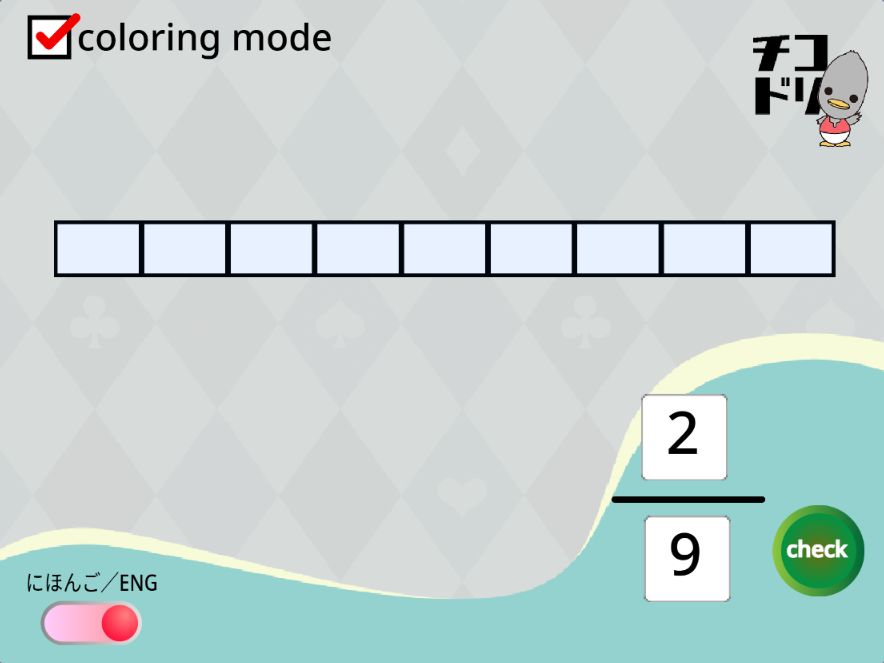
Colour equal parts to show a fraction. Switch modes to practise writing a fraction from a picture.
Let’s give it a try!
How to play
Colour a fraction
- Click the green flag. Move the bottom-left language switch to ENG.
- Keep coloring mode ticked. Tap the parts to show the fraction on the right.
- Press check to check your picture.
For number-entry practice, untick coloring mode. Tap the top or bottom number box on the right, enter the numerator or denominator, then press check.
For families and teachers
The denominator counts all the equal parts. The numerator counts the coloured parts. Begin with the picture before introducing equivalent fractions or simplifying.
This is a Chicodori Scratch project. The game has an ENG language switch. You can explore and remix the project on Scratch.