
The Scratch project uses Japanese text or audio. Use this English guide to get started; the project itself has not been translated.
Hiragana Touch

Practise recognising hiragana with this Scratch activity.
Let’s play!
How to play and more details
Chicoratch is the name of the Scratch projects created by Chicodori.
Some screenshots show an earlier version.
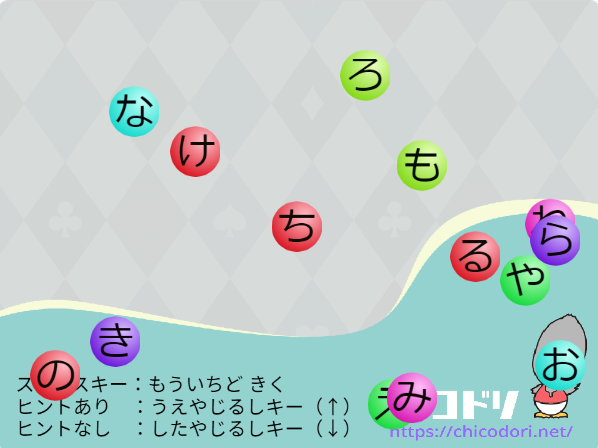
Hiragana move around the screen. Listen to the Japanese prompt asking you to find a character.
Tap the character you hear to move on to the next prompt.
If you tap another character, you hear its reading. You can keep trying.
Listen to the sound and choose the matching character.
Try it as you become familiar with hiragana.
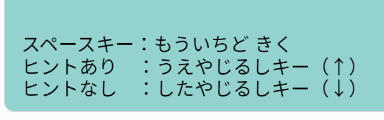
Press Space to hear the prompt again.
Press the Up arrow for a hint: the sound plays again and the character is shown.
Press the Down arrow to hide the hint.
Remixes are welcome!
Use this project as a starting point
for your own ideas and remixes.

Remixes welcome!
You are welcome to remix this project and make it your own.