
The Scratch project uses Japanese text or audio. Use this English guide to get started; the project itself has not been translated.
How two-kanji words are built

Explore how the meanings of two kanji combine.
Let’s play!
How to play and more details
Chicoratch is the name of the Scratch projects created by Chicodori.
Some screenshots show an earlier version.
風力, 読書, 上下 —
Two-kanji words can be formed in several different ways.
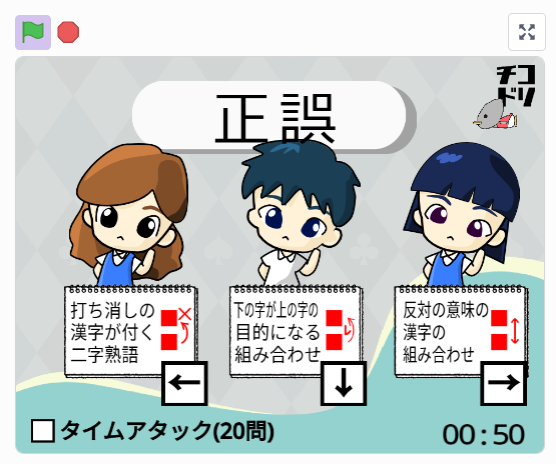
In this game,think about the relationship between the meanings of the two charactersand choose one of three answers.
Looking at word structure can help you understand Japanese compounds.
How to play
Look at the compound on screen and choose how its two characters are related.
One of the three targets contains the correct answer.
Click or tap a panel, or use the Left, Down and Right arrow keys.
The project includes all Japanese primary-school kanji, so please allow time for it to load.
Drawing the characters took longer than writing the code!

- Look closely at the compound and think about how its two kanji relate.
- From the three descriptions,choose the one that fits.
- As you practise, look for recurring patterns.

🌟 Explore words through their meanings.
Notice both the meanings of the characters and the way they combine.
🌟 Look more closely at words you already recognise.
Ask why the characters are combined that way, even in familiar words.
🌟 Keep exploring with short, three-choice questions.
Use the feedback to keep trying and expand your vocabulary.
What can you practise?
Practise understanding compounds in context.
Think carefully about word meanings when writing or explaining.
Explore ideas that also connect with laterJapanese grammarincluding subjects, predicates and modifiers.
Remixes welcome!
Feel free to remix this project.
Open Remix or See inside to begin editing.
A Scratch account lets you save a remix on Scratch.
Without an account, you can still open See inside to try editing the project.
You can save an edited project to your computer.
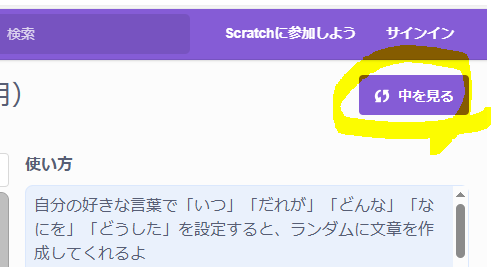
For more about remixing,Scratch learning guide (Japanese)has a useful article you can refer to.
The Scratch editor opens when you choose Remix or See inside.
The screenshot is from another Scratch project.
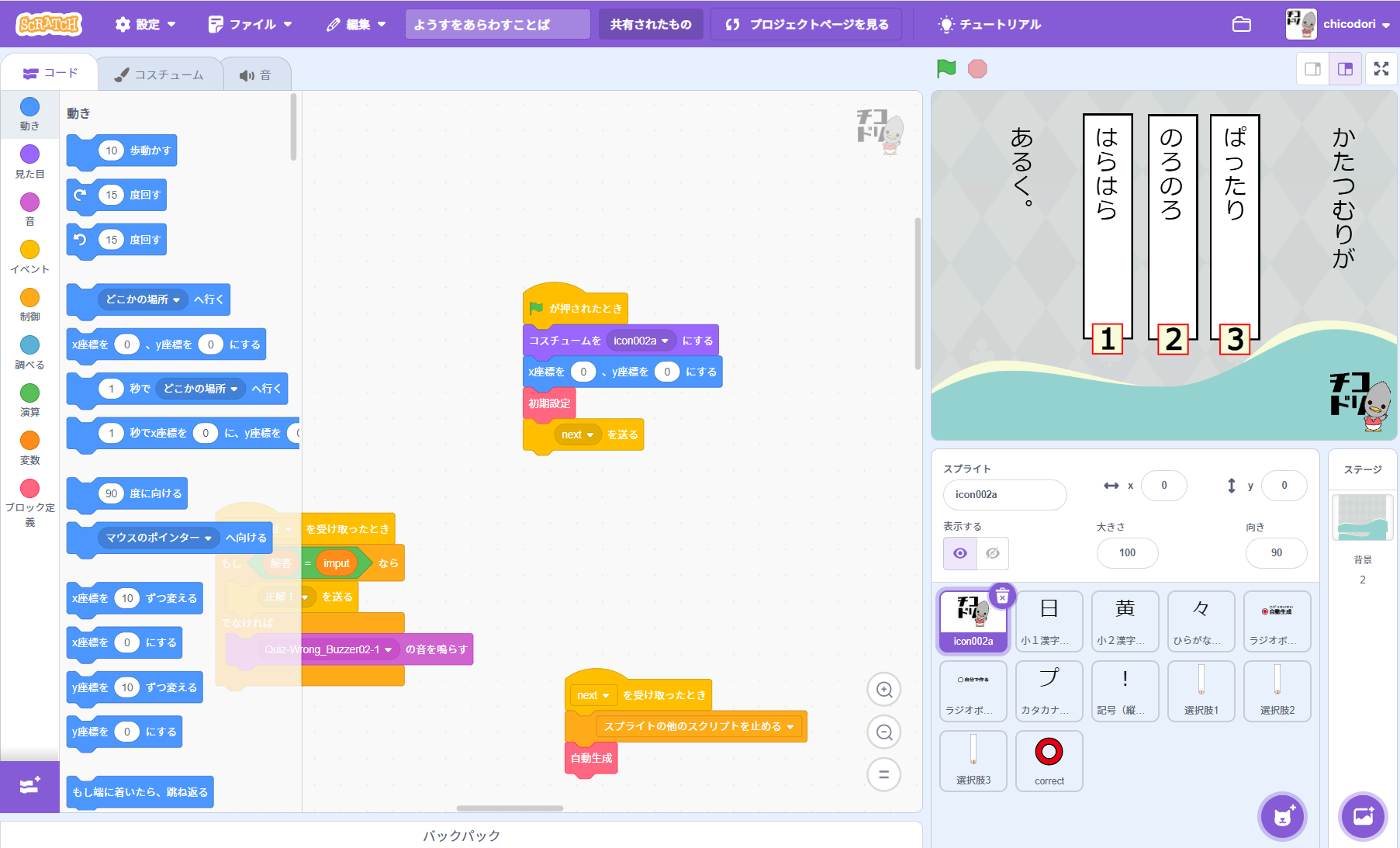
How to prepare questions for a remix
The example screenshot shows how the question text is displayed.
The project assigns a number to each type of compound:
- Characters with similar meanings
- Characters with opposite meanings
- The first character describes the second
- The second character is the object of the first
- A compound containing a negative character
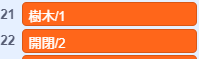
As in the example above, writethe compound followed by its structure numberusing the format shown.
Separate each field with a half-width slash (/).
Do not add a slash at the end of the line.
The project supports kanji taught in Japanese primary school. Other characters may not display correctly.
Examples (Japanese question data):
豊富/1
分別/1
正誤/2
善悪/2
青空/3
雨空/3
Use a text editor to create a file in this format, then save it with a name you can recognise.
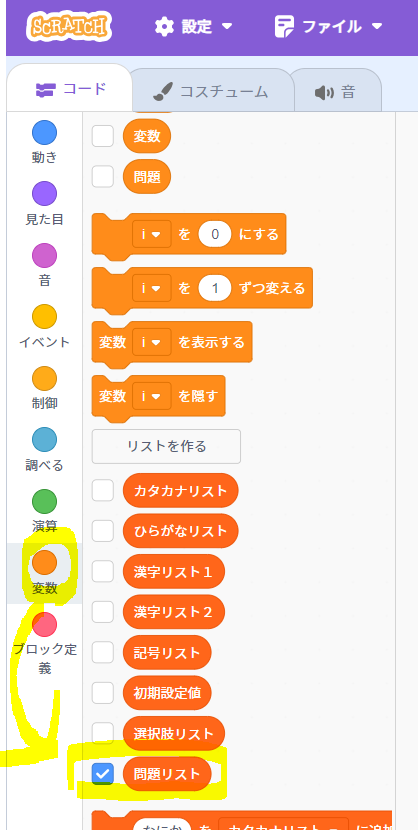
1. Show the question list
Open 変数 (Variables) on the left of the Scratch editor and
tick the question-list checkbox.
The screenshot is from another Scratch project.
2. Edit the question list
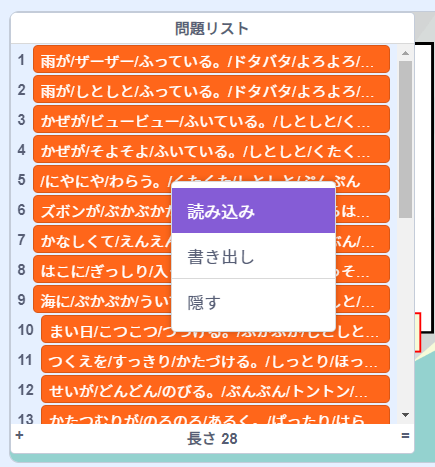
The question list appears on the stage on the right.
Right-click the question list to open its menu.
Choose 読み込み (Import) and select your saved text file.
The screenshot is from another Scratch project.
3. Hide the question list
Untick the question-list checkbox under Variables to hide the list from the stage.
The screenshot is from another Scratch project.