Search, check sources, compare information, manage your time and enjoy activities away from the screen.
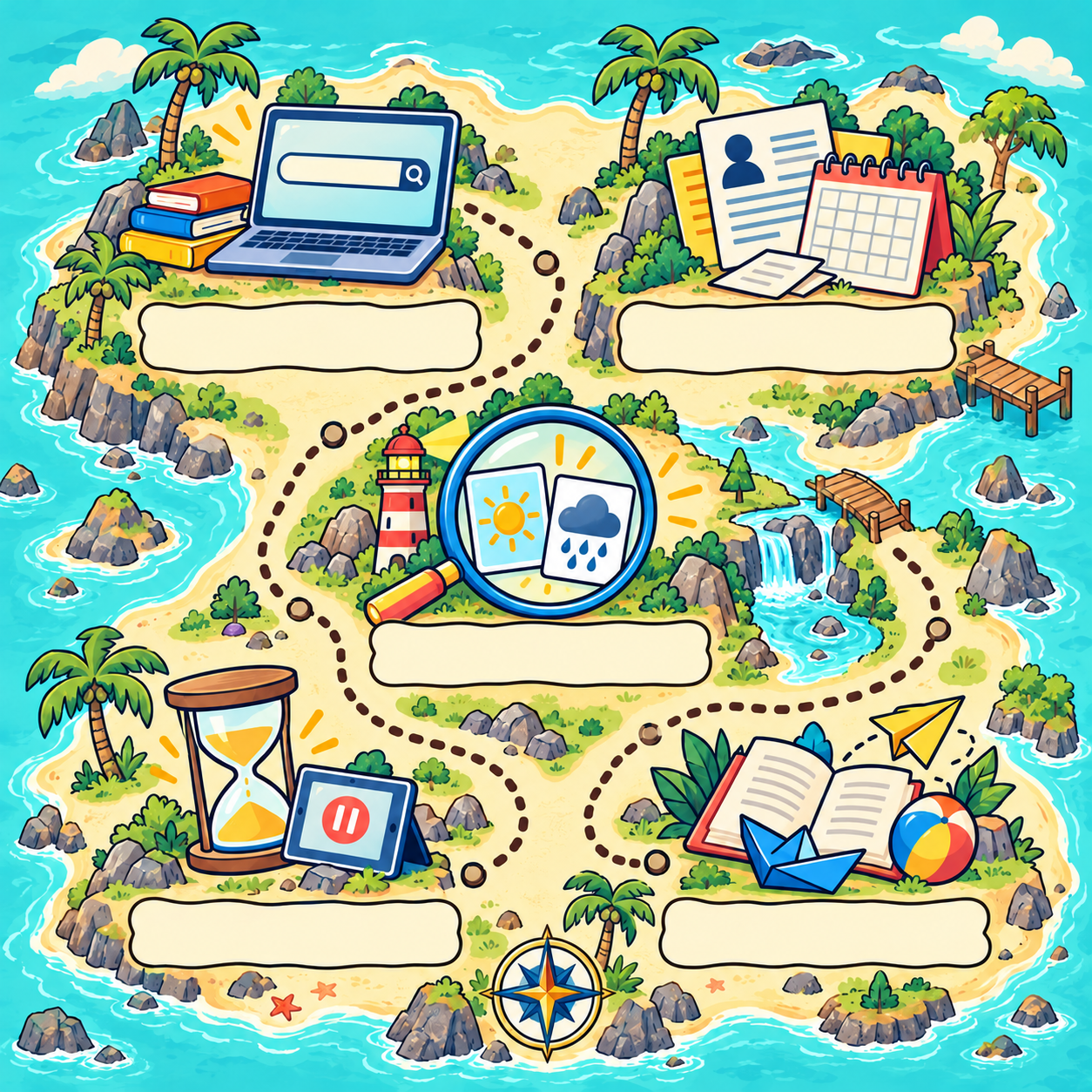
Choose a stop, read the story and try the question. The island illustration and downloadable worksheet are the originals from the Japanese page.
1. Search with useful words
Can’t find what you want? Try a different search phrase.
Try the question
You want to know what rhinoceros beetle larvae eat. Which search words would help?
Include both the animal and what you want to know. You can try another wording and compare the results.
A small challenge
Choose something you like and think of two ways to search for it.
2. Who, when and where?
Before acting on an announcement, check where it came from and when it applies.
Try the question
A friend shares a library stargazing-and-reading event. The flyer says first come, first served, but its date is 15 August 2020. What would you check?
Reading the date tells you when this flyer applied. Weather information answers a different question. Contacting the library can help confirm whether a current event is planned. Each check tells you something different.
A small challenge
Find an announcement and look for the date, organiser and something you would like to ask.
3. Compare before deciding
Information about the same place can contain both facts and opinions.
Try the question
Post A: “This park has three slides.” Post B: “This is the most fun park in town!” How would you read them?
A number of slides can be checked. “Most fun” describes someone’s view. Compare sources and look for their reasons.
A small challenge
Read a short description and find one checkable statement and one opinion.
4. Choose a stopping point
There is often another video or game waiting. Decide on a stopping point before you begin.
Try the question
You planned to stop watching, but another video starts. What could help?
Keep a clock or timer nearby, and decide what you will do afterwards. If you need help choosing a plan, talk with someone at home.
A small challenge
Before starting, choose one clear stopping point.
5. Enjoy life beyond the screen
There are interesting things to try on and off a screen.
Try the question
It is raining and you cannot go outside. What could you try?
There is more than one possible answer. Books, drawing, making, movement and conversation are other ways to explore. Think about a balance that works for your day.
A small challenge
Think of three enjoyable activities without a screen, then try one.
Write down your ideas
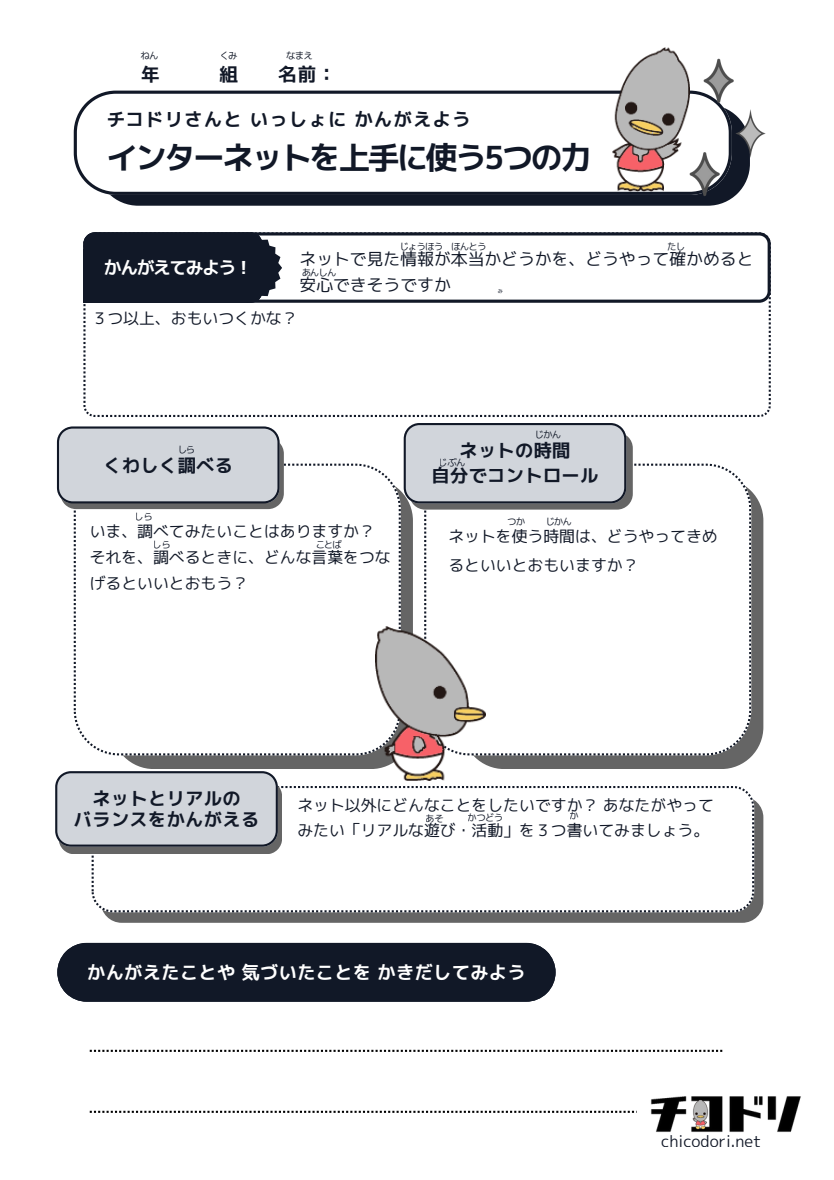
Use the worksheet to record how you check information, what you want to investigate, how you choose time limits and what you enjoy away from the internet.