Make a count-up timer in Scratch
Make and create
Remix this projectPractise again
What will you make?
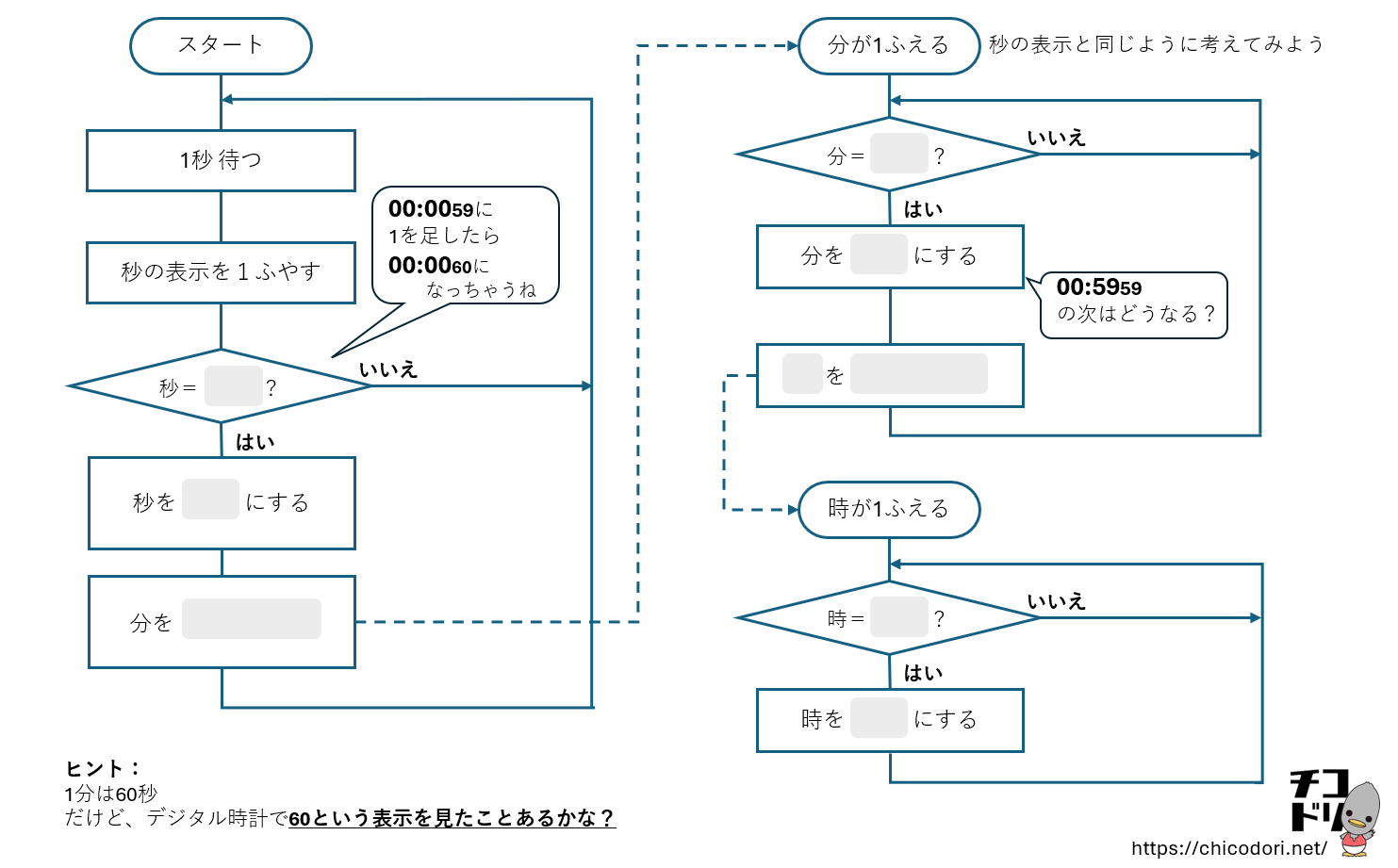
Build a timer that increases one second at a time, then changes minutes and hours.
Let’s give it a try!
How to start
- Open the project and choose “See inside”.
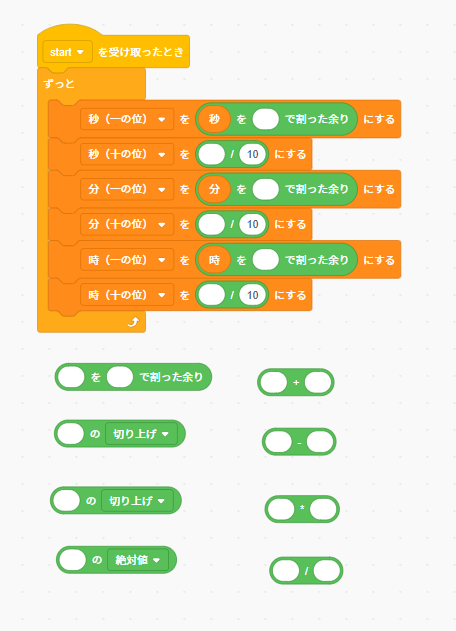
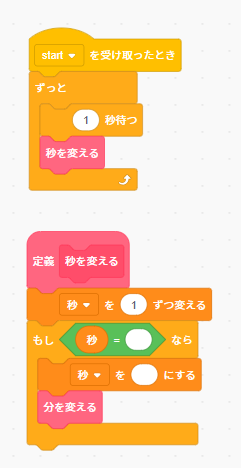
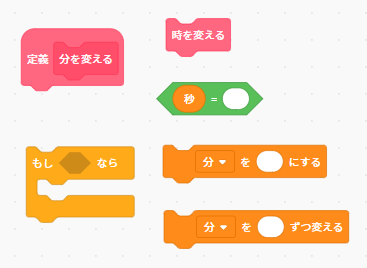
- Make the seconds increase, then complete the minute blocks.
- Create the hour blocks and test your timer.
The Scratch project, block labels and worksheets retain Japanese. Edit the starter project before using it as a complete clock or timer.
Worksheets
Start with the digital clock activity
For parents and teachers: coding ideas
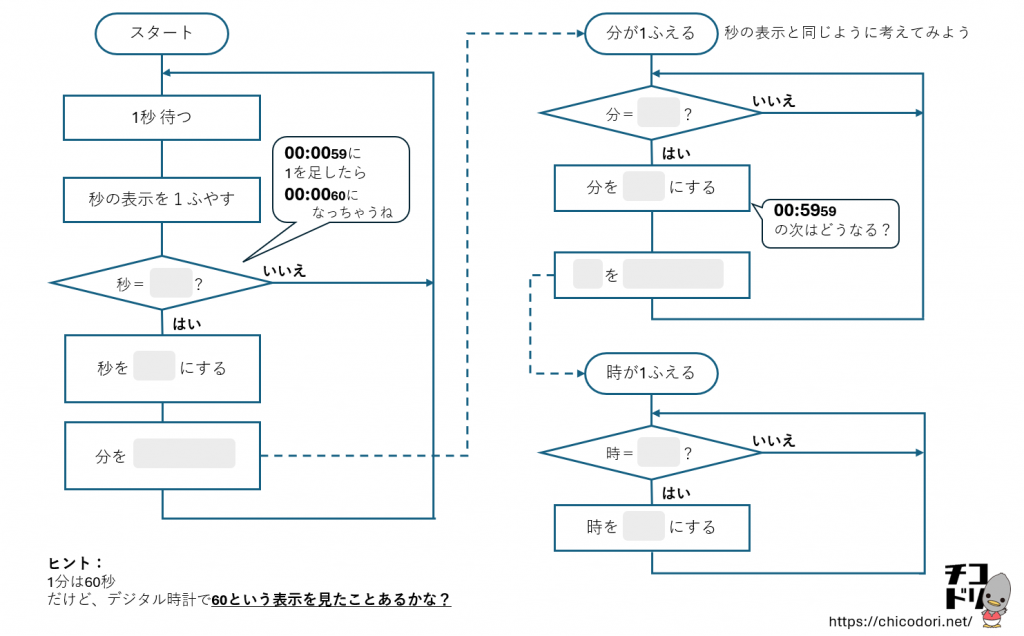
Compare different ways to calculate tens and ones. For the timer, draw a flowchart before coding. Test the change from 59 seconds to the next minute and from 59 minutes to the next hour. More than one algorithm can produce a correct display.
Use Scratch’s “Remix” feature when signed in, or explore the code with “See inside”. Save your work using the options available in Scratch.