Choose a coding tool by what you want to create

プログラミング学習サイト。パソコンや命令のブロックを色鉛筆で描いたイラスト

Compare learning activities · A guide for adults

Choose a coding tool by what you want to create

Start with the intended creation: an animated picture, a story, a game, a system or text-based code. Use the official sites to check devices, languages and current access conditions.

See levels, routes and learning goals

Choose by the skill being explored. HOP, STEP and JUMP describe Chicodori content levels, not overseas school grades. The branch descriptions explain what to look for in each activity.

All Levels · Thinking & informationProgramming

Choose a branch to open the activities and teaching notes.

8 activities or resources to compare.

A tool should serve a purpose

Compare what a learner wants to make, how they can express their ideas and how they will test the result. The linked official sites provide current setup and access information.


Where to explore next

Find another activity guide

Animate a story

Express motion through pictures

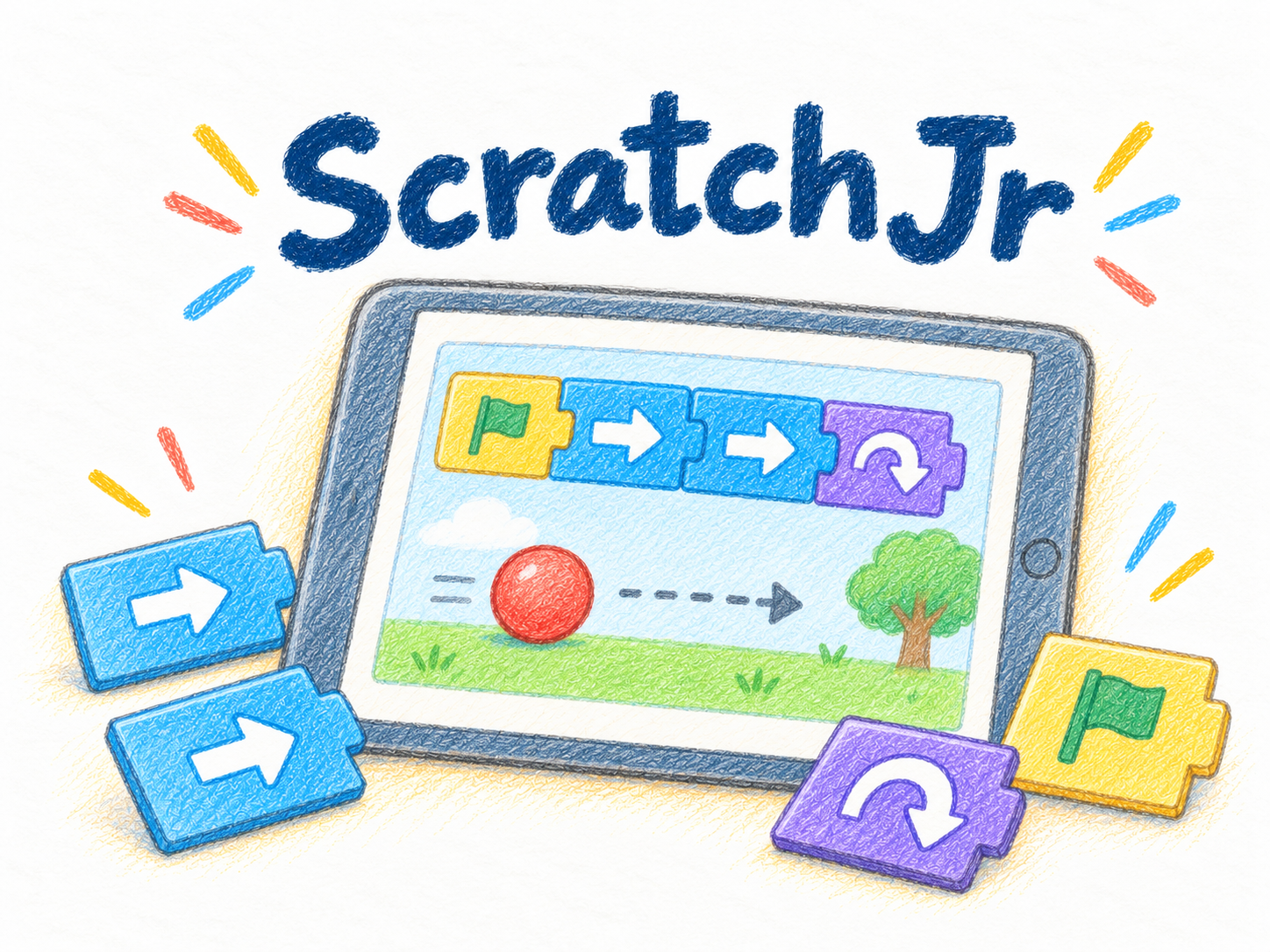
ScratchJr

Begin with animated pictures and stories

Explore how a learner wants a character or story to move, using the official guidance for setup.

What to look for
Which device and preparation will be needed?
Where it can lead
Creating a sequence of actions.

Viscuit

Express movement with pictures

Try ways to make a drawing behave as intended.

What to look for
How does the observed result compare with the intended movement?
Where it can lead
Testing and revising a procedure.

Build a game or system

Explore sequences, repetition and conditions

Scratch

Build a project or game

Start with a desired creation and consider the actions and conditions it needs.

What to look for
What changes when a step is changed?
Where it can lead
Sequences, repetition and conditions.

MakeCode for micro:bit

Experiment with a system

Use the official setup guidance to choose a method that suits the available devices and environment.

What to look for
What can be tried on screen, and what preparation does using hardware require?
Where it can lead
Thinking about inputs and outputs.

AlgoLogic

Plan steps for a challenge

Choose an activity that asks learners to build a sequence toward a goal.

What to look for
How does changing the order of steps affect the result?
Where it can lead
Planning and revising a route.

Code.org

Choose from guided activities

Use the official course descriptions to select an activity that fits experience and purpose.

What to look for
Consider language, controls and the length of the activity.
Where it can lead
A programming experience suited to the learner.

Explore text code

Read, test and revise code

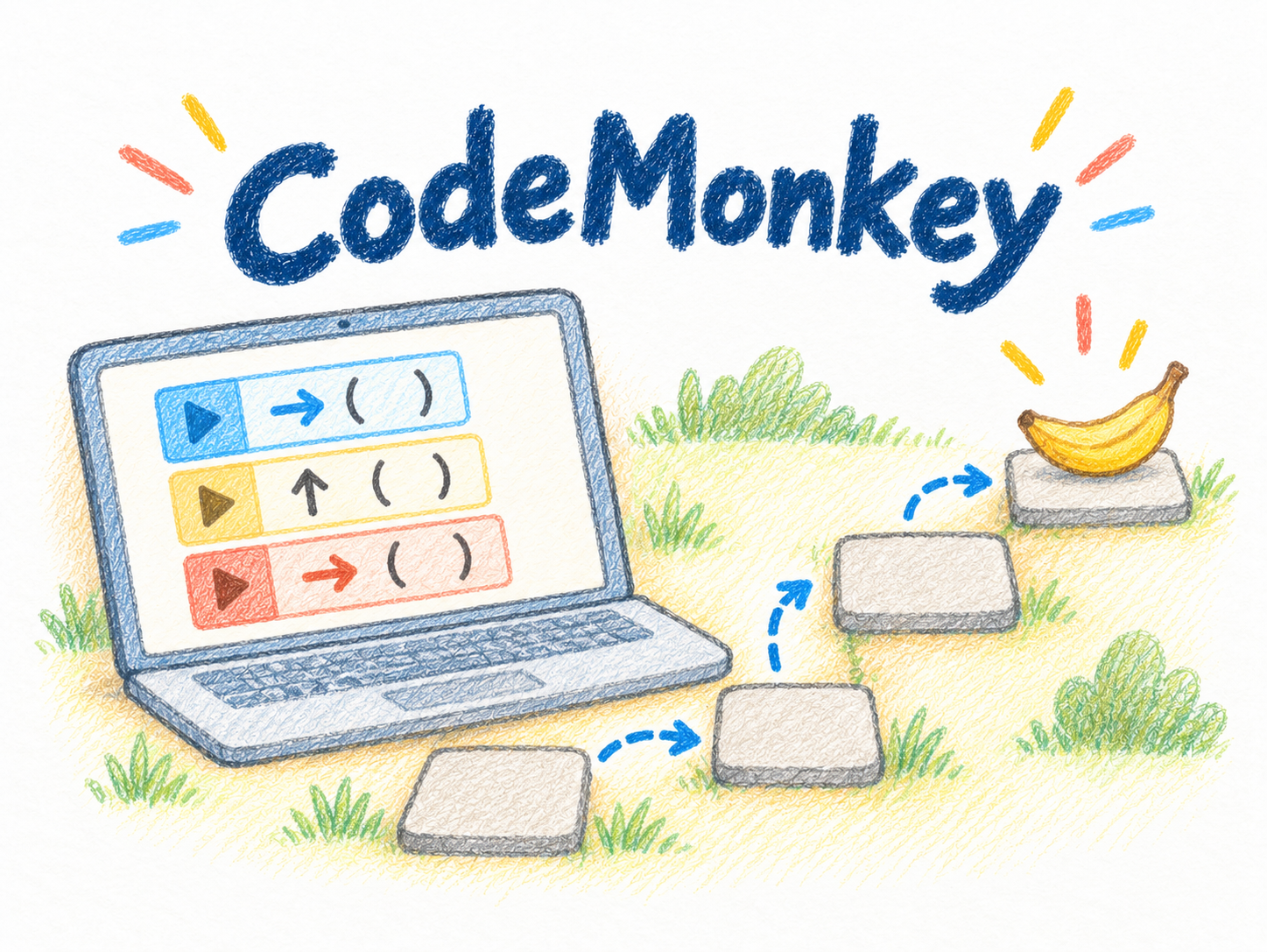
CodeMonkey

Explore activities with written code

Check activity descriptions and current access conditions on the official site.

What to look for
How do writing and controls differ from the tools used before?
Where it can lead
Expressing procedures in text.

CodeCombat

Read and write code

Use the official information to check activities and technical requirements.

What to look for
Which part of the code should change in response to the result?
Where it can lead
Testing and revising code.

送信中です

×

Leave a Reply